Linode used to be a go-to choice for developers because of its straightforward pricing and dependable cloud servers. But since Akamai took over, many users say the experience isn’t what it used to be, accounts sometimes get suspended without clear reasons, support feels more like bots than people, and scaling just doesn’t measure up to what newer providers offer.
It’s also not the easiest platform for beginners. Since everything is unmanaged, you need a fair amount of technical know-how to get up and running.
Meanwhile, competitors are stepping up with larger free trials, built-in managed services, and better performance often at the same or even lower prices. That’s why more and more developers are looking beyond Linode.
In this guide, we’ll walk through the best free and paid Linode alternatives worth checking out in 2026.
Table of Contents

Best Free & Paid Linode Alternatives 
⏰ In Hurry? Check Out the Best Linode Alternatives →
- Free 30-Day Trial With $100
- Linux & Windows RDP & VPS
- Enterprise-Grade Infrastructure
- 100+ 1-Click Apps
- Firewall & Disaster Recovery Management
- 24/7 Live Chat Support

- Free 30-Day Trial with $100
- Business-Grade Infrastructure
- 40+ 1-Click Apps
- Linux & Windows VPS & RDP
- Daily Backup
- 99.99% Uptime Gaurantee
- 24/7 Expert Phone Support

- High-Frequency Server
- 30-Day Trial with $100
- Linux Cloud Servers
- 100+ 1-Click Apps
- Free DDoS Protection
- 100% Uptime SLA
Why Look for Alternatives to Linode?
1. Unusual account closed & charged – Many users lately complain that their account was suspended after 30 minutes of signup. Even they have submitted credit card details. On top of that, many users have been charged after suspension. Linode keeps sending monthly invoices. Some old users were also unable to create new accounts.
2. Clueless automated support – After suspension of account, users try to contact support, and they get only automated answers from clueless support. That does nothing but waste time.
3. Scaling Challenges – Linode is excellent for small-to-medium projects, but at enterprise scale, providers like Kamatera or Azure offer more robust options for auto-scaling and compliance.
4. Unmanaged by Default – Unlike managed hosts, Linode doesn’t handle updates, patches, or security for you. You’re responsible for hardening your server, installing software, and troubleshooting issues.
5. Pricing Competitiveness – While affordable, other providers like Vultr and Kamatera offer more customizable resources at similar or lower costs.
Key Factors to Compare in a Linode Alternative
1. Performance & Uptime SLAs – 99.95% uptime is the industry standard, but reliability and consistent performance are essential for growth.
2. Data Center Coverage – Check if your provider has data centers near your target audience. For global reach, ensure CDN availability and servers that can handle traffic spikes efficiently.
3. Pricing & Billing Flexibility – Many providers offer pay-as-you-go or hourly billing, which is much simpler and more cost-effective for small businesses.
4. Ease of Use – A clean dashboard, quick app deployment, instant scalability, and intuitive navigation are must-haves for beginners.
5. Customer Support Quality – 24/7 support via email, live chat, or phone is essential. The more support channels available, the better.
1. Kamatera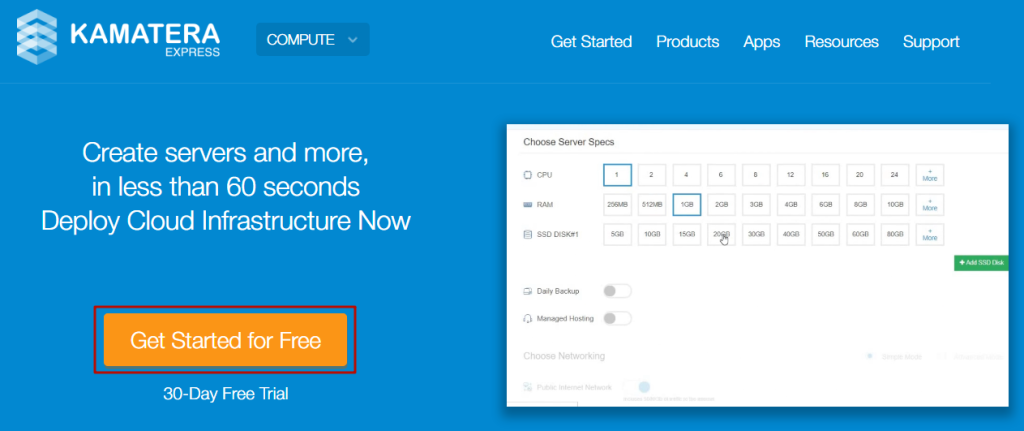
Lately, Kamatera is one of the fastest-growing cloud platforms that actually offer enterprise-grade VPS for performance firmness.
In an independent test, their TTFB was so quick (22 ms), and uptime was near to perfect (100%). Surprisingly, the tiny VPS handled 10k concurrent users in real time without any error.
It was built of 1 GB DDR5 RAM, a 2.7 GHz Intel Xeon Platinum chip, and a 20 GB SSD, which cost merely $4 per month.
However, you can freely test them with a 30-day trial before you go for a long commitment.
The trial requires a credit card. They charge $1-2 to filter out authentic users to keep the system and other users safe and instantly refund it once sign-up is completed.
The platform seems to care about beginners a lot, as they provide 100+ one-clicks, auto backup, a simple dashboard, and 24/7 live chat support.
A developer can also find Docker, n8n, Kubernetes, MongoDB, Node.js, Odoo, load balancers, and block storage.
- Enterprise-Grade Infrastructure
- Powerful 2.7 GHz Intel Xeon Chips
- DDR5 RAM & NVMe SSD
- Popular Linux & Windows OS
- 24 Global Data Centers
- Clean & Intuitive Dashboard
- 100+ One-click Apps
- Free CyberPanel, cPanel & Plesk
- Daily Backups
- DDoS Protection
- 24/7 Fast Human Live Chat, Ticket & Call Support
- ‘Use First, Pay Later’ Payment Option
- Managed service at a high cost
2. VPSServer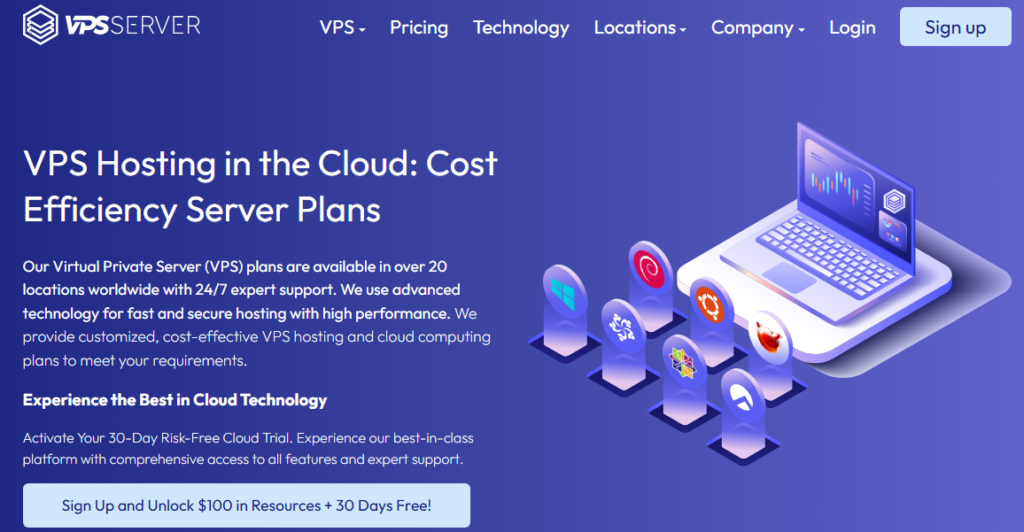
VPSServer is a business-grade, KVM-based cloud server provider powered by 2.7 GHz Intel Xeon Skylake processors, delivering up to 30% faster performance than standard chips.
Whether you’re a business professional or a beginner, VPSServer offers four types of servers to meet your needs: Type A (Availability), Type B (General Purpose), Type T (Burstable), and Type D (Dedicated).
You can deploy any of these servers with access to 40+ one-click apps, including Docker, and enjoy a 30-day trial with a $100 credit. Additionally, you can test five different Windows server types under the free trial.
To ensure security and reliability, VPSServer includes DDoS protection, a cloud firewall, and automatic backups for all resources. Plus, their 24/7 expert support is always available to assist you with any queries.
- Business Grade Infrastructure
- Fast 2.7 Ghz Intel Xeon Skylake Processor
- Professional Managed Service
- 24 Global Data Centers
- 40+ One Click Apps
- Diagonal Scaling
- NVMe Storage
- 24/7 Quick Phone and Email Support
- Modest Monthly Billing
- No SSH Key Support
3. Vultr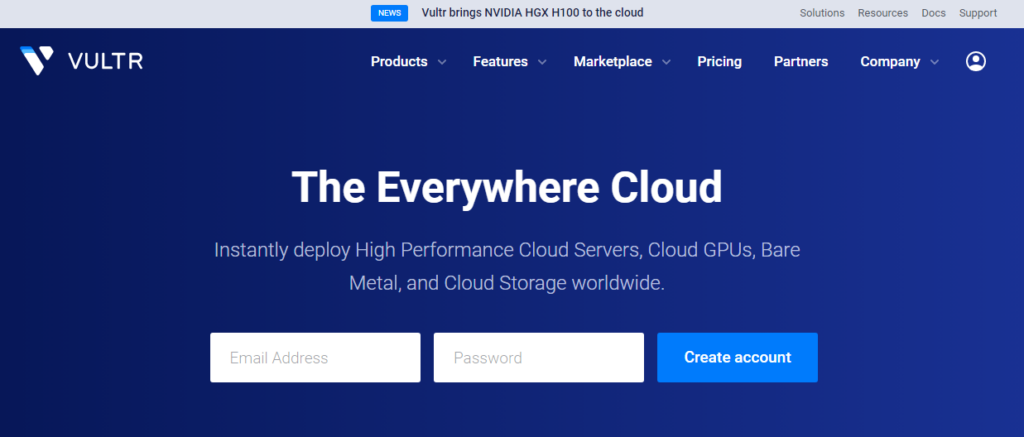
Vultr is rich in infrastructure and favored by entry- & mid-level developers for its reliable large deployment for AI, machine learning, graphic processing, clusters, Kubernetes, and storage.
In fact, the platform is quite popular as fast frequency servers (3GHz+ CPU) are reflected in our
test also. Their beginner server responded in 54 ms and maintained a near-possible 100% uptime.
Moreover, they offer 100+ one-click apps with 100% uptime SLA. So a beginner can deploy any app within a click.
You can try it with a free 30-day trial without a credit card.
- Higher-Performing Server Infra
- Bare Metal
- 32 Global Data Centers
- NVMe Storage
- Extensive Official Tutorials & Docs
- Multiple Linux & Windows OS
- Support Only on Tickets
4. DigitalOcean
When it comes to ease of use, DigitalOcean delivers it superbly. That’s why most newbies start their cloud hosting journey from the platform.
You will get various 1-click apps like WordPress, CyberPanel, etc., that are quite demanding for beginners. In their simplest dashboard, you can effortlessly deploy it.
Although, their server performance is above average. The entry-level server responded under 200 ms and managed 99.96% uptime in an independent test.
However, you can enhance the performance score if you choose premium droplets. which consist of NVMe SSD and 3.2 GHz Intel & AMD chips.
You can try it for 30 days at no cost if you link your credit card. Otherwise, with PayPal, you need to pay a minimum upfront amount of $5. It will add to your balance and can be used for hosting charges.
- Beginner-friendly clean dashboard
- 14 Data centers
- 100+ One-Click Apps
- NVme SSD 5x faster than a standard SSD
- Multiple Linux OSes, including Ubuntu, Debian, and Centos
- One of the Fastest DNS in the World – DNSperf.com
- No daily backups
- Pretemplated support only on the ticket
- No DDoS protection
- No Windows OS
5. Cloudways
Cloudways is a great choice for non-techies, as it provides managed cloud hosting from DigitalOcean, Vultr, Linode, AWS, and GCP. Any beginner can host their website on the leading platform within a click.
The host comes with an innovative auto-scale environment that can keep you away from worrying about traffic spikes.
For 6x faster speed, you can use free Object Cache Pro and Cloudflare Enterprise CDN for quick loading, ironclad security, and image optimization.
However, they offer free migration also. You can try it to host unlimited websites for free.
- Managed Cloud Hosting
- 50 Global Data Centers
- Free migration
- Cloudflare Enterprise CDN
- Real-Time Malware Detection
- Pay-as-you-go Payment Model
- Free AI Copilot
- 24/7 Chat & Ticket Support
- A Tiny Period of Free Trial
6. Microsoft Azure
If you’re a student, Microsoft Azure offers a free VPS for a year. However, it’s tiny VPS which is built of 1 vCPU, 1 GB RAM and 4 GB temporary storage.
The good thing is that it is available with Linux and Windows OS. You can learn about both popular OS.
The offer requires a valid email ID from your college or school.
- Leading Global Giant
- Windows and Linux OS
- Integration with Azure Ecosystem
- Strong Support
- Limited Resources
- Hidden cost like public IP, disks, network egress
7. Google Cloud Platform 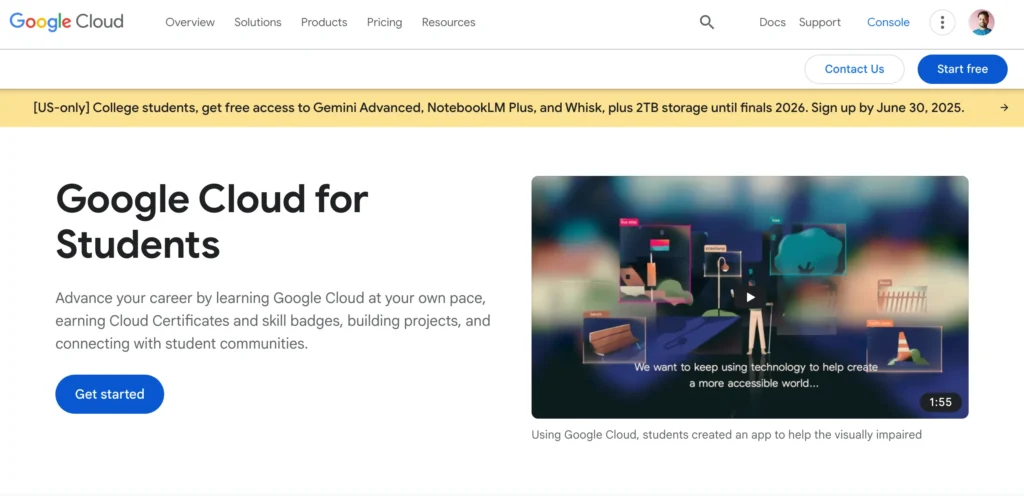
The global giant offers free VPS for a year if you sign up with your college email ID. The VPS include
1 vCPU, 0.6 GB RAM, and 30 GB SSD that seem less than enough for a progressive student.
However, you can enjoy the platform’s reliability, security, and integration with other Google services. One thing: it enforces strict usage limits and may suspend free-tier instances if idle.
- Strong Global Infra
- 100% SLA
- Fast DNS
- Integration with other Google Services
- Very low server specs
- Performance limits, especially RAM I/O
| Web Hosting | Type | Duration | CC Required | Link |
|---|---|---|---|---|
| Kamatera | Cloud | 30 Days | Yes | |
| VPSServer | Cloud | 30 Days | Yes | |
| Vultr | Cloud | 30 Days | No | |
| DigitalOcean | Cloud | 30 Days | Paypal | |
| Cloudways | Managed Cloud | 30 Days | No | |
| MS Azure | Cloud | 365 Days | No | |
| GCP | Cloud | 365 Days | No |
Conclusion
Linode used to be solid, but after acquisition, they don’t put useful things on the table as the user expected. And the market is also evolving every day.
Today its alternatives offer better perks, some are more beginner-friendly, and some have bigger free credits. You can try Kamatera for enterprise-grade performance, or if you’re a beginner, go for Cloudways.
FAQ
1. Why should I consider a Linode alternative in 2026?
Many users report degrading experience after Akamai’s acquisition. Accounts get suspended shortly after signup, support feels highly automated, and scaling options no longer match modern workloads. Since everything is unmanaged, beginners struggle to configure servers securely. Meanwhile, providers like Kamatera, VPSServer, and Vultr offer better performance, stronger security, and larger free trials — making them smarter upgrades.
2. Which Linode alternative offers the best performance?
Kamatera tops the list. In independent tests, its entry-level VPS responded in just 22 ms, maintained 100% uptime, and even handled 10,000 concurrent users smoothly. With Intel Xeon Platinum CPUs, DDR5 RAM, NVMe SSDs, 24 global locations, and 100+ one-click apps, the platform is ideal for both beginners and developers. You also get a 30-day free trial with $100 credit.
3. What if I want something beginner-friendly like Linode used to be?
If ease of use is your priority, Cloudways is perfect. It eliminates all server management headaches. You can launch WordPress, WooCommerce, Laravel, and other apps with a single click. Cloudflare Enterprise, automated scaling, malware monitoring, backups, and real-time support make it a great fit for non-technical users.
4. Is there a free Linode alternative with no credit card required?
Yes — Vultr and Cloudways both allow you to test their platforms without a credit card. Vultr gives a 30-day $100 trial, and Cloudways offers a managed hosting trial that lets you explore their dashboard and deploy apps instantly. Both are excellent if you want to avoid upfront payments.
5. Which alternative is best for high-performance workloads like AI, ML, or GPU tasks?
For heavy compute, graphics workloads, or distributed applications, Vultr’s High-Frequency & Bare Metal servers are outstanding. They use 3.0+ GHz processors, NVMe SSDs, and have 32 global data centers. They perform exceptionally well for AI processing, game servers, rendering, and real-time apps.
6. What’s the best option for students looking for a free VPS?
Microsoft Azure and Google Cloud Platform both offer one-year free VPS for students with educational email IDs. These instances have limited resources, but they’re great for learning Linux/Windows administration, cloud concepts, and practicing server setups.

Ravi Kumar is a Server Performance Analyst with over 4 years of experience benchmarking cloud infrastructure. He has optimized and stress-tested over 150+ websites, digging deep into uptime, disk latency, and CPU performance. Whether you’re looking for a free trial or a high-performance production server, Ravi uses real-world data to help you find the perfect host.