A few weeks ago, I’d tried running OpenClaw on my Mac, excited to automate a few tasks like content posting and simple workflows. Everything worked perfectly… until I closed the lid.
The moment my system went to sleep, my “AI agent” stopped working. No automation, no execution. just pure silence.
That’s when it hit me: OpenClaw isn’t just another tool you open and use. It’s an AI agent designed to run continuously, like a digital employee. And just like a real employee, it can’t work if it’s constantly being switched off.
In 2026, we’re seeing a massive shift toward AI agents that don’t just respond, but actually take action. From managing workflows to running bots and automating entire processes, tools like OpenClaw are changing how creators, developers, and businesses operate.

But here’s the catch:
These agents need a 24/7 environment to function properly.
That’s where VPS comes in.
If you’re serious about using OpenClaw for automation, running it on your personal computer isn’t enough. You need something that stays online, executes tasks reliably, and doesn’t depend on whether your laptop is awake or not.
In this guide, I’ll show you the best OpenClaw VPS options, based on real experience, and help you choose the right setup to run your AI agents smoothly without interruptions.
Table of Contents
What is OpenClaw?
OpenClaw is an open-source AI agent framework that allows you to build and run intelligent systems capable of performing real-world tasks automicatically.
How OpenClaw Works?
There are two major parts that build a complete OpenClaw system:
- Brain (LLM): OpenAI, Claude or other AI models provides intelligence.
- Body (OpenClaw): It execute actions like sending messages, running scripts, or triggering automations.
Together (brain+body), they create a system that doesn’t just think, but also acts.
How OpenClaw is different from ChatGPT?
At fist glance, both may seen similar as they both use AI to generate responses. But in reality, they serve completely different purposes.
- ChatGPT: Provides answers
- OpenClaw : Execute acts.
ChatGPT like chatbot model can only generate answer when you ask, OpenClaw can also do it but it goes further.
You can assign your real work like market research, SEO inspection or sending telegram message. The AI agent framework can fully automate all the tasks. It will be executed whether you sleep or hangout with your partner.
Why Should Pick VPS Over Mac
Definietly VPS is feasible option over Mac. Whenever, you stop your Mac to take rest, your automation will also stop. Physical Mac is not affordable choice and not known for scalability. You should choose VPS-
- Run 24/7 non-stop: VPS is specially designed to run all over the day non-stop. obviously Mac is not ready for this.
- Scalable: Scalability can be done over few clicks. So whenever, you need more resource, you just to head to VPS dashboard and make few clicks and boom.
- Access from anywhere: You can control your AI agent at airport or beach, wheretever you are.
- No sleep mode : At VPS, no sleep mode doesn’t exist.
- Static public IP : With VPS, static IP is available which is required for APIs, bots and webhooks.
OpenClaw System Requirements
One of the best things about OpenClaw is that it’s lightweight by design. You don’t need a powerful server to get started. But scalability is evitable as need grows.
| Resource | Minimum | Recommended | Pro |
|---|---|---|---|
| CPU | 1 core | 2+ cores | 4+ cores |
| RAM | 2 GB | 4 GB | 8 GB |
| Storage | 1-5 GB | 5-20 GB SSD | 20-50 GB SSD/NVMe |
| OS | Ubuntu | Ubuntu 22.04 | Docker + Reverse Proxy |
| For | Individual use | Multiple channels | Team |
5 Best OpenClaw VPS
1. Kamatera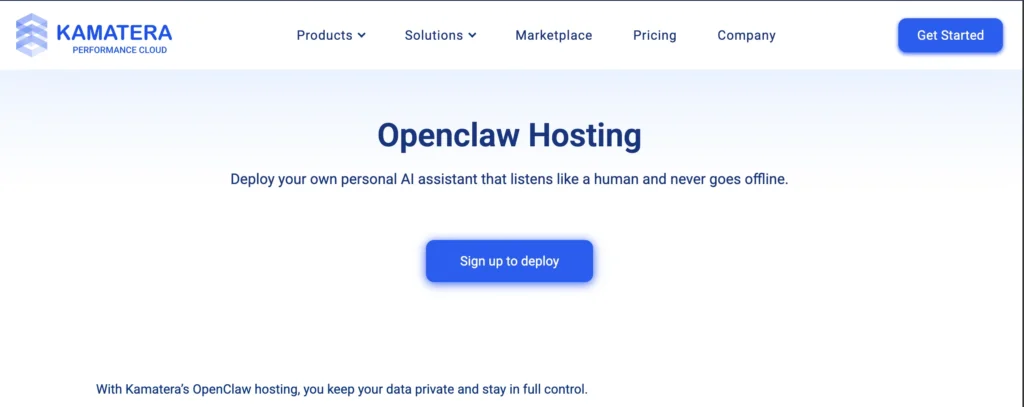
Started in 1995 as ISP and flourishing as one of the leading cloud platform, Kamatera has specifically designed an environment for OpenClaw. As it has lately develop 1-cilck OpenClaw app with highly customizable server infrastructure.
The app is going to run on latest Ubuntu 24.04 OS, Intel Xeon chip, NVMe SSD, DDR5 RAM and unlimited traffic.
Definitely, it is capable to run complex AI tasks like running bots, browser automation, handling mutli task etc.
Apart from that, 1-click scalability on each level, open full freedom to gain the almighty power to run AI based scientific experiments.
Their servers are secured with N+1 redundancy, cloudfirewall and daily backup. And copping up any kind of major unfortunate event, they also have disaster recovery management.
Meanwhile, if you feel to have anwers for your query, their expert support is ready help you around the clock over live chat, phone call and support ticket.
Following intention of freedom, the cloud platform believes developers should pick a cloud platform basis on performance, reliability and scaliabity and they can test it without upfront payment. That’s why the platform comes with a 30-day trial with $100 credits and you can follow the step-by-step guide to install OpenClaw on Kamatera.
You can take you free hand on it and once you find the expected outcome. You can stick with it.
- Enterprise-grade Infrastructure
- High Performing 2.7 GHz Intel Chip
- 1-click OpenClaw App
- Simple and Initutive Dashboard
- 99.95% Uptime SLA
- 24 global data centers
- 24/7 Live Chat Support
- Pay-as-you Payment Model
- Hefty Managed Service Fees
2. Contabo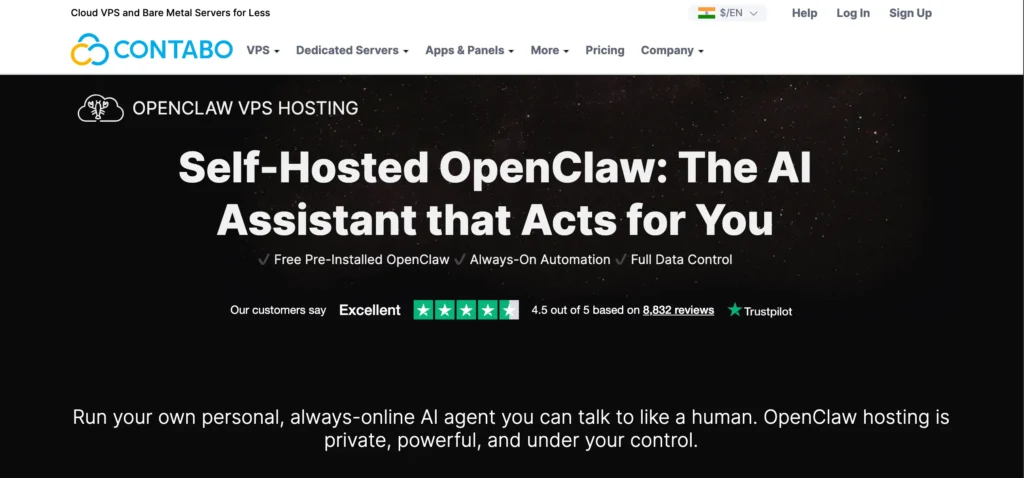
If you’re looking for big melon juices for few dollars. Contabo is the right contender there.
Built by german quality, the cloud platform offers 4 core CPU, 8 GB RAM, 75 GB NVMe and unlimited bandwidth under $4 per month.
Recently, it has launched preinstalled OpenClaw server configuration pack. So you’re a just few clicks away to launch your first automation system.
Add your own API keys from any AI model providers, chat channels and boom!
You can start set reminders, schedule, execute code, manage Github repos, browse the web, collect data, connect Spotify by your first digital employee.
The giant keeps the server under DDoS protection and recently it has introduced firewall. You can block unneeded ports to make your system double secure.
However, a free snapshot and daily backup like addon help to combat any data loss.
- Popular AMD EPYC Processor
- Easy Dashboard
- Preinstalled OpenClaw
- Pocket Friendly Huge Resources
- 11 Data Center Locations
- Ticket-based Support
- Pricing surges outside EU
- Its reliability is top-notch.
3. DigitalOcean 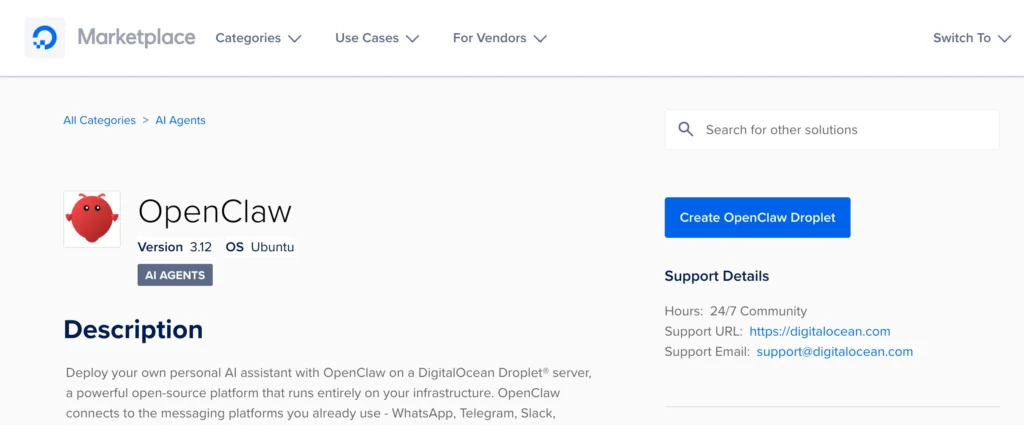
Best in UX and smoothest way for a beginner to start their first VPS. Now it is capatilizing its identity in OpenClaw launching by initiating three way to launch the automated system.
- Bare DigialOcean Droplet – Do your own configuration for full control.
- 1-Click Application – Faster setup for fast experimentation. It requires minimal decisions and setup. Beginner can opt it.
- App Platform – It is best for production level deployment that requires long-term operational maturity. Therefore It comes with best in scalability.
The cloud platform arranges authenticaticated tunnel where you can communicate with OpenClaw securely.
It doesn’t stop here, it harden your server with defaul firewall rules that rate-limit OpenClaw ports to prevent inappropriate traffic from interfering with your automated system.
However, the platform offers free $200 credit for 60 days. You can stick around it to launch your first AI agent.
- Beginner Friendly Dashboard
- Intel & AMD Chips
- 15 Global Data Centers
- 3 Ways To Install OpenClaw
- Affordable Pricing
- Pay-as-you-go Payment Model
- 100% Uptime SLA
- Support is sab par.
4. Hostinger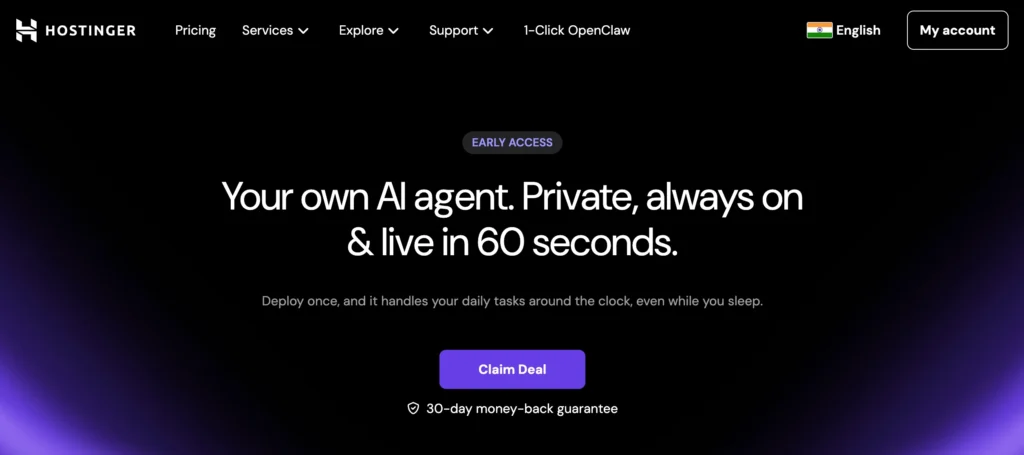
No doubt, The lithuanian company has changed the scenario of web hosting through ease of use and affordability in last 4-5 years. Now it comes with a complete package for OpenClaw that requires no code knowledge.
Unlike others, it manages all technical complexity and brings AI credits under the user dashboard. A user don’t need to sign up for AI model like OpenAI or Anthropic to get API keys.
Actually, you will get pre-integrated AI tokens and you need only to top it up from the same dashboard.
Deploy 1-click app, purchase AI credits and link a Whatsapp or Telegram. Now the system is ready to be your personal assistant, sale assistant, coding assistant, researcher, social media planner, and support specialist.
- Complete UI based Installation
- 60 Seconds Deployment
- 9 Data Centers in 8 regions.
- 99.9% Uptime Guarantee
- 24/7 Live Chat Support
- Plan pricing increase when you opt monthly billing.
- Not for production level.
5. Vultr 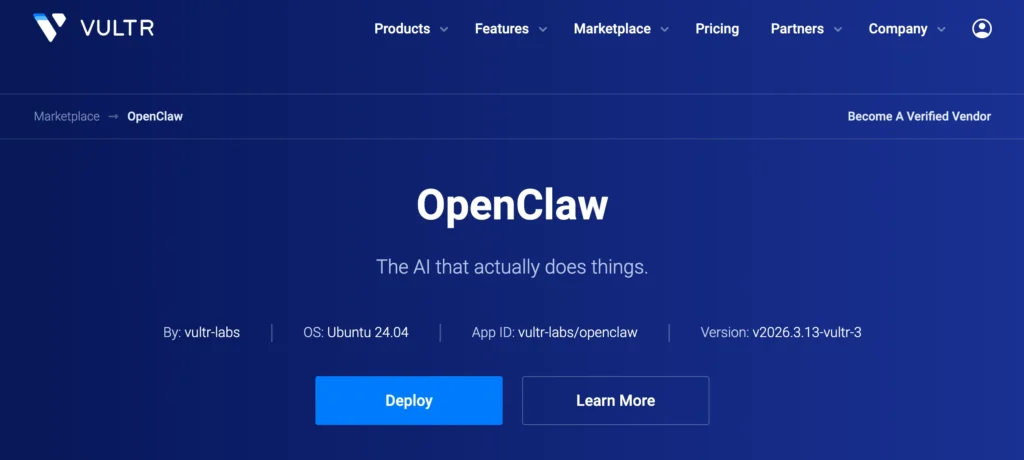
Vultr is known for high frequency processor. Most matured developer opt for it. If you’re one of them, you can also deploy OpenClaw. However it requires SSH based configurations like other cloud platforms
Bunches of cloud data centers, simple dashboard, pay-as-you payment, 100% uptime SLA, GPU, Intel & AMD build a production level environment for your AI agent.
Moreover, auto-backups, cloud firewall and DDoS protection have your back, so you can sleep and your system will work around the clock.
The platform also offer 30-day trial with $100 credit that requires a credit card or linking your Paypal account.
- Production Grade Infrastructure
- Instant 1-click Deployment
- 32 Global Data Centers
- 100% Uptime SLA
- Pay-as-you Payament Model
- Ticket based support only
How To Choose the Right OpenClaw VPS
As the news of renaming OpenClaw hits the internet, floods of web hosting and cloud platform shoot up their Openclaw package. These package looks same but designed to serve different user base.
Ease of Use – If you’re a beginner, prefer the company that offer UI based solution as you may be stuck in coding while install the OpenClaw. Its full installation requires SSH mode. A developer can go for any one.
Flexibility – For testing purpose, we can ignore flexibility. But sooner or later, we get serious about the system, flexibility bring wings to sustain top-notch running of the app. Very few cloud platforms provide superhaul flexibility like Kamatera does. It is going to suit advanced lever user. Starter can start with less.
Reliability – It is the thing, no one should ignore it unless you’re on testing. Must check cloud platform uptime SLA. Higher is better.
Data Security – In today’s era, backup is fundamental of the internet, if you ignore it, simply you’re pinching onto hot-air balloon.
Pricing Model – Major cloud platforms offer pay-as-you go payment model. You can see, some are with yearly plan. As per your budget, you can pick one.
OpenClaw VPS Security Best Practices
Running the app on a VPS gives you power but also responsibility to keep it secure.
Since it executes commands, access APIs, and automate workflows, a poorly secured setup can lead to serious risk like data leaks or unauthrized access.
1. Secure your server access – After setting up OpenClaw, disable SSH root to avoid any intruder. Choosing SSH keys over password add another security layer.
2. Configure a Firewall – By controlling traffic, you can avoid 90% cyber attacks. Allow only required ports like 22, 80, 443 and keep the rest blocked.
3. Protect your API keys – Exposing API keys can burn your cash. Store the keys in .env. Keep rotating it regularly for better safety. You can restrict usage limit in provider dashboard, it will add second security layer.
4. Use a reverse proxy – Directly exposing OpenClaw is a direct threat, route it through Nginx or Cloudflare, must enable HTTPs.
5. Limit agent permissions – Just because it can do everything doesn’t mean it you should give all the permissions. It can get back fired.
You should only allow what is needed, keep the rest restricted, and allow limit command execution scope.
6. Keep Everythign Update – Ovbisouly outdate software is a easy target. You should keep OS, Node.js and dependencies updated regularly.
Use Cases
it’s not jus another AI tool, it’s a complete automation engine. You can use it for multiple case.
- AI chatbots and messaging automation
- Auto blogging & content automation
- Lead generation & marketing automation
- Personal AI Assistant
- SaaS & micro-tool development
- Research & data collection bots
FAQ
1. What is the best VPS for OpenClaw?
The best VPS for OpenClaw depends on your needs. Beginners can start with Hostinger for ease of use, while developers may prefer DigitalOcean or Vultr. For high scalability and performance, Kamatera is a strong option. Budget users often choose Contabo for maximum resources at a low price.
2. Can I run OpenClaw without a VPS?
Yes, you can run OpenClaw on your local computer (Mac or Windows), but it’s not recommended for production. As mentioned earlier, local systems stop when turned off or in sleep mode, which interrupts automation. A VPS ensures your AI agent runs 24/7 without interruption .
3. How much RAM is required for OpenClaw?
OpenClaw itself is lightweight and can run on 2 GB RAM for basic usage. However, for stable performance and automation tasks, at least 4 GB RAM is recommended. For heavy workloads or multiple agents, 8 GB or more is ideal.
4. Is OpenClaw safe to use on a VPS?
Yes, OpenClaw is safe if you follow proper security practices. You should secure SSH access, use a firewall, protect API keys, and avoid exposing your server publicly. Since OpenClaw can execute commands, a secure setup is essential to prevent misuse.
5. Do I need coding skills to use OpenClaw?
Not necessarily. Some VPS providers offer one-click OpenClaw setups that require minimal technical knowledge. However, basic understanding of servers, APIs, and automation will help you unlock its full potential.

Ravi Kumar is a Server Performance Analyst with over 4 years of experience benchmarking cloud infrastructure. He has optimized and stress-tested over 150+ websites, digging deep into uptime, disk latency, and CPU performance. Whether you’re looking for a free trial or a high-performance production server, Ravi uses real-world data to help you find the perfect host.
This is honestly one of the clearest explanations of why OpenClaw needs a VPS. I was trying to run it locally too and faced the same issue when my system slept. The breakdown of providers is super helpful 👍