Looking for a performant VPS for an Android emulator? You are at the right post. In the flood of VPS providers, we have brought the best 5 VPS platforms, including VM, that have performed well in recent times and have great reliability, security, and flexibility.
All of these VPS are suitable for all popular Android emulators, like Bluestacks, LD Player, Nox Player, MemuPlay, and KO Player.
You may be pleased to know that most VPS providers offer free trials, so you can test them yourself.
Now let’s get started.
Table of Contents
Ways to Install and Use Android Emulator on VPS
RDP is a one-stop solution to run any Android emulator. RDP is simply a desktop version of VPS, where you can install software and run it like you would on a physical PC.
These are available in only two versions:
1. Windows
2. Linux.
You can install any specific version of the Android emulator that suits your RDP.
⏰ In Hurry? Check Out the Best Free VPS Trial Offers →
- Enterprise-Grade Infrastructure
- Windows & Linux RDP
- Hourly Billing that saves 60–70% Money
- Cheap Plans that start at $4/m
- Free 30-Day Trial with $100
- Firewall & Disaster Recovery Management
- 24/7 Flexible Support on Live Chat, Call, & Email

- Renowed Cisco Infrastructure
- Unlimited Bandwidth
- 99.95% Uptime Guarantee
- Free DDoS Protection
- Free Monthly Backup
- 24/7 Live Chat Support

- Dedicated Windows RDP
- Free 30-Day Trial With $100
- 40+ 1-Click Apps
- Linux & Windows VPS & RDP
- Daily Backup
- 99.99% Uptime Gaurantee
- 24/7 Expert Phone Support
1. Kamatera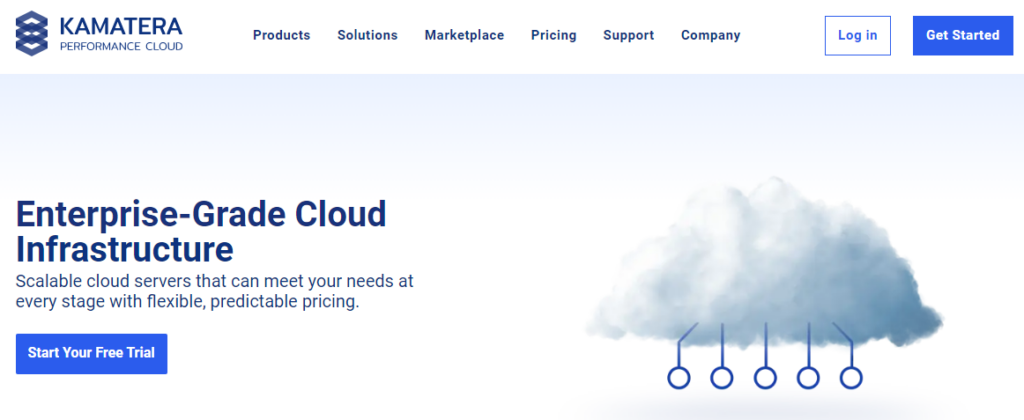
Kamatera is the strongest opponent on the list, as they offer enterprise-grade infrastructure with the widest network of 18 datacenters and 10 GBPS port speed for optimum Android emulator VPS performance with lower latency.
In an independent test, their beginner server responded in only 22 ms and retained 100% uptime.
On the platform, you can launch Cloud Linux or Windows Desktop (RDP) to run any Android emulator at pocket-friendly pricing, which just starts at $4.
However, a minimum of 2 GB of RAM is recommended for stable performance. This will increase costs. But the platform allows you to choose hourly billing and set it off on your virtual desktop during non-working hours. In this way, you can save 60–70% of your money.
Another benefit of the host is that there is no need for software for a virtual desktop. They provide a password-protected custom RDP URL. So you can open and manage it in your browser. Quite simple.
Over the top, you can taste their RDP for free with their 30-day free trial offer.
You only require a payment of $1–2 for identity verification. Once the sign-up process is done, they refund the amount.
- Enterprise-Grade Infrastructure
- Superfast 10 GBPS Ports
- Powerful 2.7 GHz Intel Processor
- Unmetered Bandwidth up to 50 MBPS
- 18 Global Data centers
- 99.95% Uptime Guarantee
- Diagonal scaling with 1-click server cloning
- NVMe SSD and powerful processor
- Daily backups
- 24/7 Flexible Support on Live Chat, Calls & Tickets
- ‘Use First, Pay Later’ payment option
- No PayPal as a payment method, while it is widely used in most popular hosts.
2. Database Mart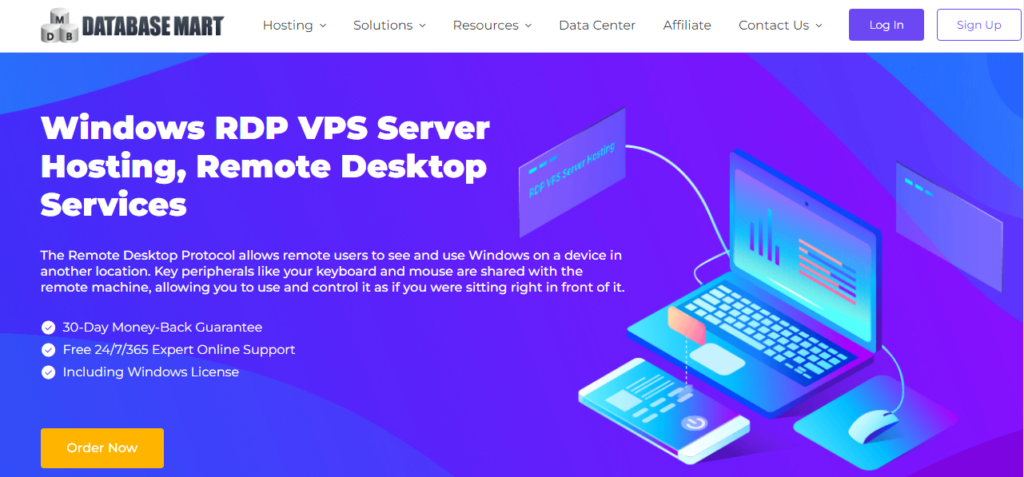
Databasemart is ideal for those looking for a USA-based RDP that is built of renowned Cisco hardware with sophisticated security and expert monitoring for an Android emulator.
Their RDP plans contain huge resources, although they are affordable. The entry-level plan brings 4 GB of RAM, a 2-core CPU, a 60 GB SSD + 60 GB of SATA, and unlimited bandwidth @ 100 MBPS.
And they also offer a free monthly backup and a SolidCP control panel. It will cost only $7.99 per month if you go for a 2-year plan.
- Reliable Cisco Infrastructure
- Unlimited Bandwidth @100 MBPS
- Free Firewall
- 99.95% Uptime Guarantee
- Free DDoS Protection
- Free Monthly Backup
- 24/7 Expert Support on Live Chat & Ticket
- 3 Data Centers
- No Hourly Plans
- No Linux RDP
3. VPSServer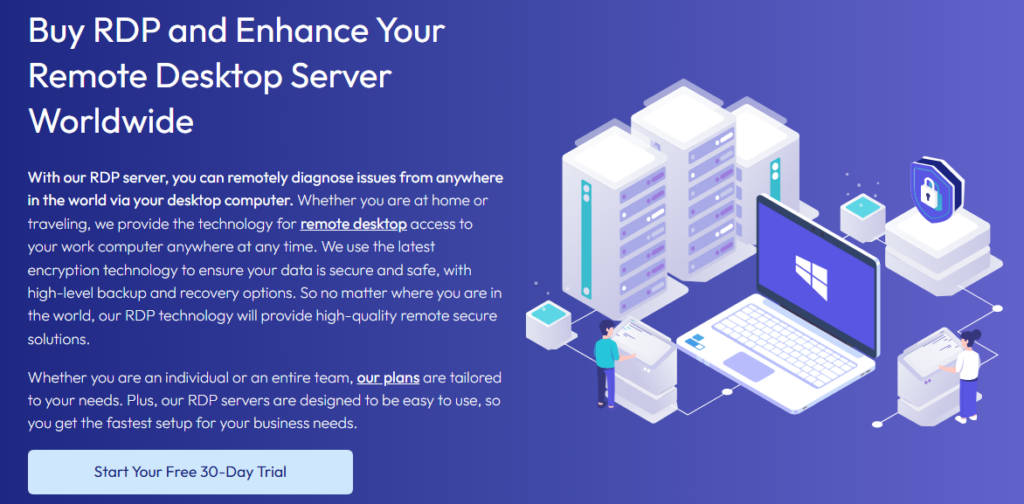
Looking for a high-performance VPS to run your Android emulator smoothly? VPSServer delivers business-grade Windows RDP servers, making it one of the world’s leading providers in this space.
With 24 global data centers and 10 Gbps port speeds, you get lightning-fast performance no matter where you are—just like an F1 car on the track! 🏎️💨
From their elegant dashboard, you can launch Windows Server 2012, 2019, 2022, or Windows Desktop 10 & 8 with just one click—perfect for running Android emulators like BlueStacks, Nox, and LDPlayer.
Your server is fully protected with a cloud firewall, DDoS protection, and live backups, ensuring your data and customizations are always safe.
Choose from flexible, general, or dedicated servers based on your needs—all available with a 30-day free trial and full admin access. Plus, when you sign up today, you get an extra $100 credit!
Need assistance? Their 24/7 expert support is available via phone and email, ensuring a smooth, hassle-free experience.
Pros
- Business Grade Windows RDP
- Fast 2.7 Ghz Intel Xeon Skylake Processor
- 24 Global Data Centers
- 5 Windows OS Versions
- 1-Click Instant Setup
- NVMe SSD
- “Pay as go” Payment Model
- 24/7 Quick Expert Phone & Email Support
- No SSH Key
4. Interserver
If you are a total beginner, Interserver can cater to your needs with a native Hyper-V platform-based Windows VPS server and a Plesk control panel.
You can perform all the necessary actions, like emulator installation, updates, monitoring performance, cloning, backup, and security, with just a few clicks.
For a developer, they allow full root access so that he can configure and optimize according to his own choice.
Their Windows VPS plans start at $10 per month. By applying the Problogguru coupon, you can grab it for $5/m.
- Renowned Equinix Data Centers
- Native Hyper-Virtualization
- 99.9% Uptime Guarantee
- Remote Backup
- Free Firewall
- 24/7 USA Support on Chat, Ticket and Call
- USA Data centers only
- No Linux RDP
- Yearly Billings
5. IONOS
IONOS is a prominent European VPS provider with ISO-certified data centers and NVMe SSDs. Their servers are built with the latest generation Intel Xeon E5 chip.
The host is a good choice for those who want certified resources and unlimited transfers at 1 GBPS.
As an RDP user, you can launch Windows 2019 and 2022 under a pre-configured firewall and DDoS protection. And you can manage it with Plesk. It will be a fine choice for Android emulators.
By the way, they have a trial offer that will cost $2 for 30 days.
- ISO-certified Data Centers
- Unlimited bandwidth
- Multi-layered security
- 99.9% Uptime Guarantee
- 24/7 Support on Email & Call
- No Data Center in Asia
Conclusion
Blazing fast speed (20 ms) and God-level uptime (100%) in an independent test stamp on the top-notch performance and robust reliability of Kamatera’s enterprise-grade server resource.
18 global data centers with 10 GBPS ports, an ironclad firewall, multiple options for Linux and Windows RDP, and 24/7 flexible support make them a leading cloud platform.
You can take your free hand on the cloud RDP for Android emulator for 30 days at no cost.
| Web Hosting | Hosting Type | Free Trial | Link |
|---|---|---|---|
| Kamatera | Cloud VPS | 30 Days | |
| Database Mart | VPS | No | |
| VPSServer | Cloud VPS | 30 Days | |
| Interserver | Cloud VPS | No | |
| Ionos | Cloud VPS | 30 Days |
FAQ
1. Can I run any Android emulator on a VPS?
Yes, most top VPS providers support all major Android emulators, including BlueStacks, LD Player, Nox Player, MemuPlay, and KO Player. You just need a Windows or Linux-based RDP with decent RAM and a stable processor. Once the server is active, the setup process is exactly the same as installing it on your home PC.
2. How much RAM do I need to run an Android emulator smoothly?
A minimum of 2 GB RAM works for light tasks, but 4 GB RAM is recommended for smooth performance. Heavy games or multitasking may require 8 GB RAM. Platforms like Kamatera let you select only the exact RAM you need and adjust it anytime.
3. Can I run multiple Android emulators on the same VPS?
Yes, you can. But it depends on your VPS resources. To run multiple instances at the same time, choose a server with more CPU cores and higher memory. A 4-core CPU with 8 GB RAM is ideal if you plan to run more than one emulator together.
4. Which VPS location is best for Android emulator performance?
Choose the data center closest to your own location. This reduces latency and improves real-time performance inside the emulator. Providers with multiple data centers, such as those offering 18 or more locations, give you the freedom to select the fastest region.
5. Do VPS providers offer free trials to test Android emulator performance?
Yes, several major VPS platforms provide free trials. Some hosts give a full 30 days of free usage or even free credit so you can install BlueStacks, LD Player, or any other emulator and check the real performance before paying. This is the safest and smartest approach.
6. Is Windows or Linux better for installing Android emulators on VPS?
Windows is the most preferred because it feels like a normal PC and supports popular emulators like Bluestacks and LD Player without extra configuration. Linux can also run emulator tools but requires more technical setup. Beginners usually choose Windows RDP.
7. Can I run Android games on VPS-based emulators?
Yes, you can run Android games on a powerful VPS. Look for a server with a strong processor, NVMe SSD, and fast port speed. Smooth performance depends on the CPU clock speed and available memory. A server tested under 20 ms TTFB is ideal for gaming tasks.
8. Is VPS a better choice than a physical PC for Android emulators?
In many cases, yes. VPS gives you enterprise-grade hardware, faster SSDs, huge bandwidth, and round-the-clock uptime. You can open your emulator from any device through RDP. It is also preferred by developers, gamers, and automation users who want constant availability.

Ravi Kumar is a Server Performance Analyst with over 4 years of experience benchmarking cloud infrastructure. He has optimized and stress-tested over 150+ websites, digging deep into uptime, disk latency, and CPU performance. Whether you’re looking for a free trial or a high-performance production server, Ravi uses real-world data to help you find the perfect host.
Been using emulators on a VPS for mobile game testing. It’s kinda hit or miss depending on the service. Database Mart caught my eye in your article, haven’t given them a shot yet. Anyone have experience with their performance for gaming apps? Looking for smooth fps and quick load times.
This article is just what I needed, thank you Ravi Kumar! I’m diving into app development and figuring out what tools to use has been overwhelming. The comparison table is a huge help for sorting through my options. Planning to check out IONOS first. Excited to get started!
Every time I see these articles, they all say ‘try for free’ but what about the real cost after? They hook you in then the price just jumps. Seen it with VPSServer and others. Not saying it’s not worth it, but ya gotta wonder, why not just show all the costs upfront?
Hey Ravi Kumar, awesome rundown! Quick Q: How’s the performance of Android Emulators on these VPS solutions when running resource-intensive apps? Keen on trying Kamatera, but I wanna make sure it can handle my projects. Thanks for the insights!
Maggie S., that’s a solid question. I’ve been running emulators on Kamatera for a bit. So far, it’s been smooth for my dev tests. Probably depends on how you configure it and what you’re throwing at it.